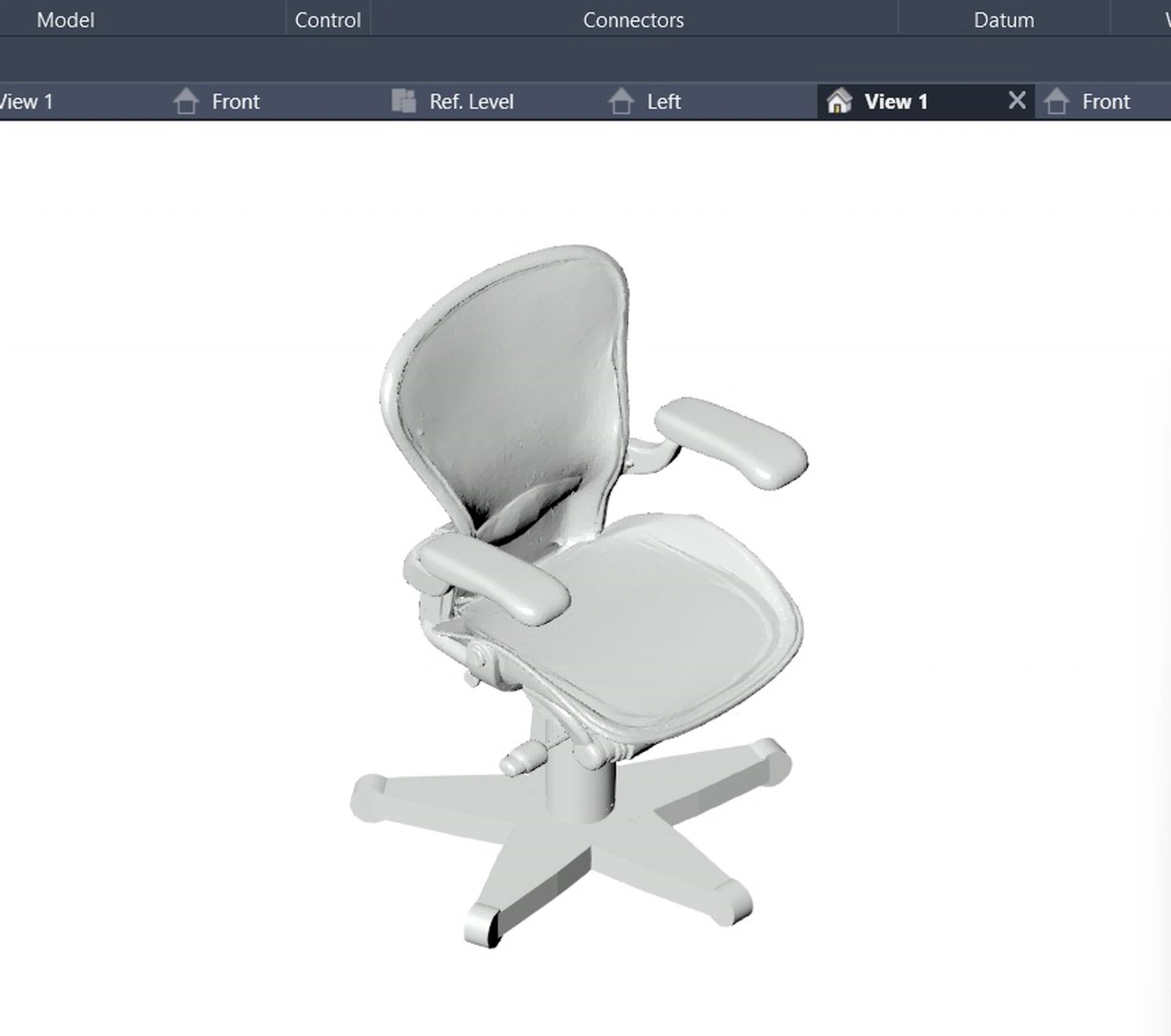
A product cut sheet can describe dimensions, materials, performance, variants, and connection requirements. It does not automatically describe how a Revit family should flex, which parameters should be types or instances, where reference planes belong, or how connectors and visibility should behave.
That is why image-to-3D is not the same as BIM content creation. Geometry is one layer. A useful family is a controlled product model with identity, behavior, data, and validation.
Build a Product Evidence Package First
Before creating geometry, the workflow should assemble what it knows and label what it does not. Inputs may include specification sheets, dimensioned drawings, product images, installation instructions, material and finish schedules, type tables, performance values, connector information, and manufacturer naming conventions.
- Source and revision for every extracted value.
- Units and tolerance, not just a number.
- Which dimensions vary by type and which stay fixed.
- Required versus optional data fields.
- Host, work plane, level, or face behavior.
- Mechanical, electrical, plumbing, or other connectors where applicable.
- Level of geometric and information detail appropriate to the intended use.
Choose a Family Strategy
The workflow must select an appropriate family template and parameter model before it starts building. A chair, air-handling unit, wall-hosted accessory, and face-based device do not share the same behavior. The family strategy determines origin, hosting, reference planes, category, subcategories, connectors, type structure, and the parameters that control geometry.
AI can help map extracted product concepts to a proposed family schema, but the proposal should remain inspectable. A content manager needs to see why a parameter was created, which source supports its value, and whether it follows the organization's naming and shared-parameter standards.
Construct Around Constraints
Reliable parametric content begins with reference planes, dimensions, and constraints. Geometry should follow those controls rather than becoming a collection of unrelated solids. Repeated or nested components need a deliberate strategy, and formulas must be testable across the supported type range.
The Revit API supports working with family documents, parameters, geometry, and types, but automation still has to respect Revit's document and transaction model. Autodesk's family document guidance is the primary reference for supported API behavior.
Validation Is the Product
A generated .RFA file is an intermediate artifact. The release candidate should pass a validation sequence that includes more than opening the file.
- Flex test. Exercise minimum, maximum, and representative type values without broken constraints or distorted geometry.
- Visual comparison. Compare orthographic and perspective views against source images and dimensioned references.
- Data validation. Confirm parameter names, groups, units, formulas, types, defaults, and required shared parameters.
- Connector validation. Confirm domain, system classification, orientation, location, and behavior where connectors are required.
- Project test. Load the family into a clean project, place and schedule it, change types, test visibility, and confirm expected hosting.
- Performance review. Check geometry weight, nested content, unnecessary detail, and file size for the intended use.
Handle Uncertainty Explicitly
Product documents are often incomplete or inconsistent. The system should not invent a connector size because a similar product has one. It should flag the missing value, show its source conflict, offer a clearly labeled assumption where policy permits it, and require approval before release.
Matechi's Revit Content Creator is being developed around this staged process: source extraction, family strategy, parametric build, visual and flex validation, and a reviewable .RFA output. The important promise is not one-click geometry. It is a faster path to content whose behavior and source evidence a BIM team can inspect. See the current product workflow.