Work with Revit and Autodesk Construction Cloud without hiding the control path.
Matechi products can use Revit model data, Autodesk cloud model and viewer context, and project issue workflows where the approved deployment and client permissions support them.
Revit
QA/QC checks element data and can return users to the affected model context. Eligible changes are previewed and reviewed before bounded Revit action. Content Creator targets validated parametric family output rather than an unstructured mesh.
Autodesk Construction Cloud
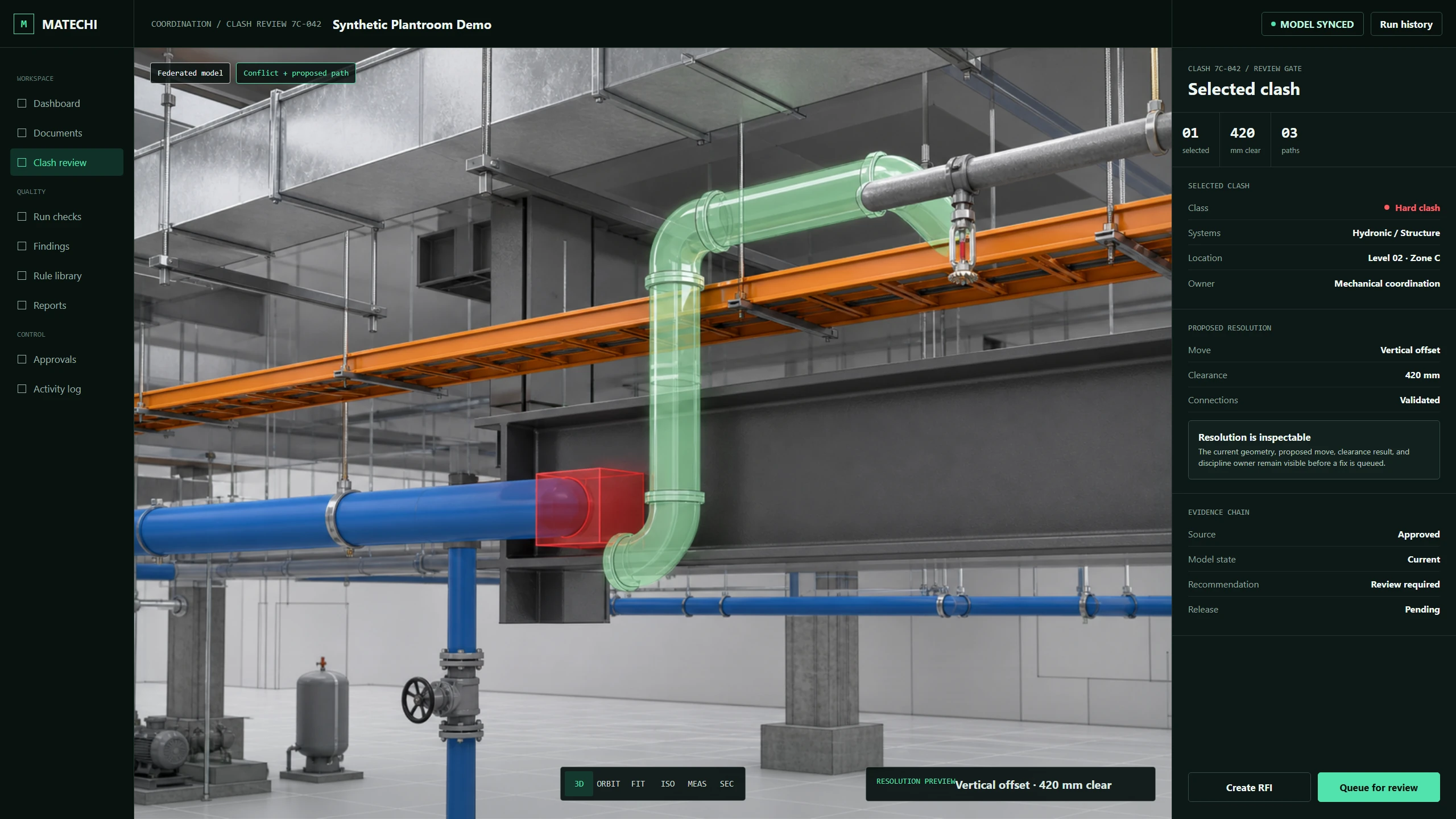
Clash and model-review workflows can preserve model, issue, viewpoint, responsibility, and status context. The exact integration depends on the client's Autodesk environment, permissions, and approved API scope.
Autodesk Platform Services
Browser model viewing, model data, automation, and issue-related services can support the workflow. Matechi confirms required services and permissions during pilot architecture rather than implying universal access.
Product relationship
Matechi is an independent product and services company. References to Autodesk products describe workflow compatibility and integration context, not Autodesk endorsement or certification.